
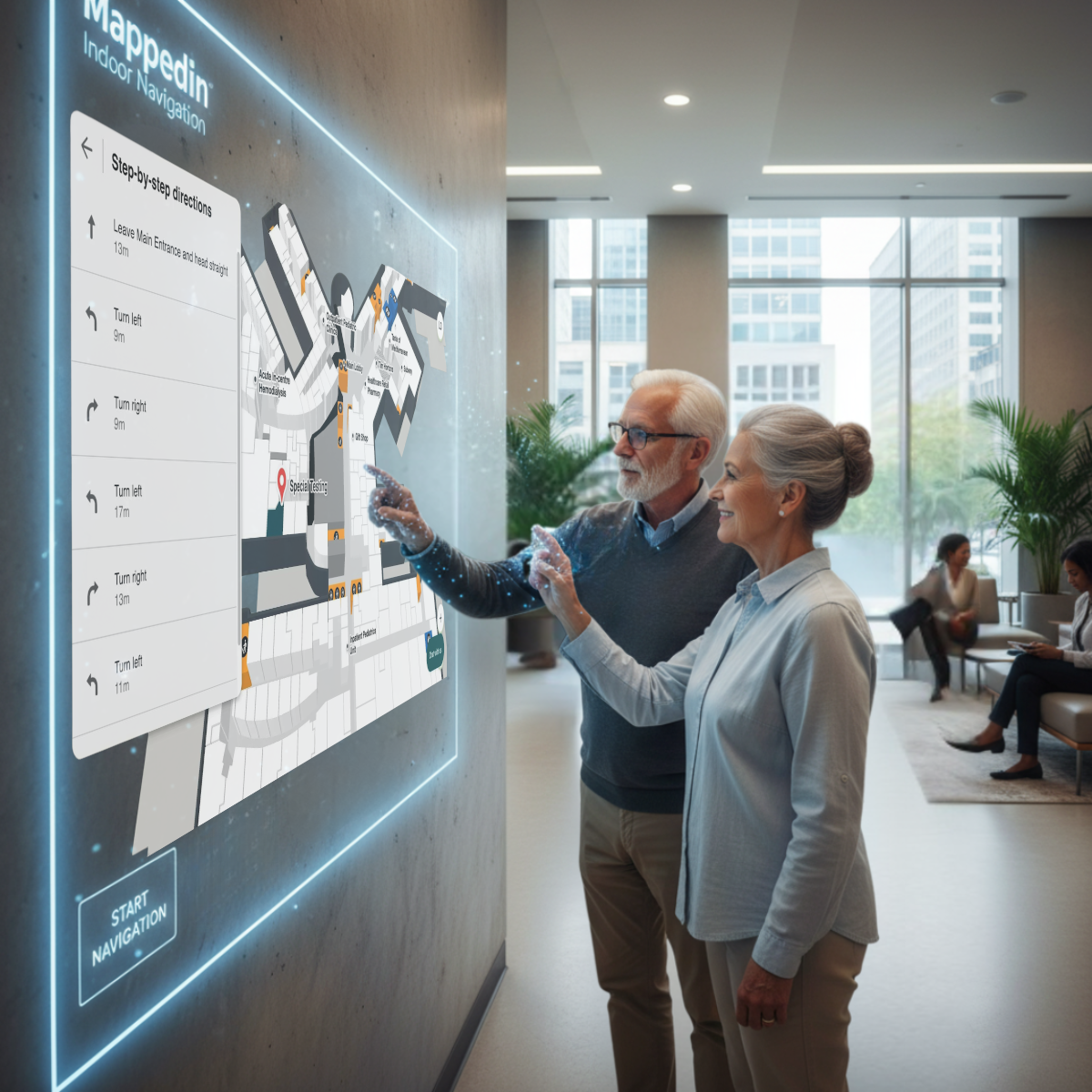
Your wall called. It wants to be a UI.
SurfaceWare is a patent-pending technology that enables almost any physical surface, like a wall, counter, or even a printed graphic, to function as a large, fast, touch-free interface for your standard web application. By “touch-free,” we mean users can interact simply by pointing at elements—like hovering over a clickable icon—without needing to make physical contact.
Why SurfaceWare Matters
Traditional screens, kiosks, and touch tablets can clutter spaces, introduce hygiene issues, and require constant maintenance. SurfaceWare addresses these problems by allowing computing to blend seamlessly into the environment and using the surfaces that already exist as the touchless UI. It allows users to interact using natural, in-air gestures, eliminating the need for physical contact with a shared screen and solving common maintenance and sanitation headaches. And hey, stop worrying about someone breaking the keyboard and the mouse on your public desktop station!
Imagine: A standard web application running on a wall, responding to hand gestures in space. This provides an intuitive, sanitary user experience.
How SurfaceWare Works (For Developers)
SurfaceWare is essentially a software pipeline that translates real-world depth data into standard browser events. It connects an off-the-shelf depth-sensing camera to your existing web content and backend systems.
In brief, the pipeline performs the following core steps:

1. Scene Understanding: A depth camera monitors the target surface. SurfaceWare establishes a baseline estimation of the surface’s shape and position and calculates the camera view’s spatial relationship to it. This is how we know where a hand is in relation to the surface where the UI is displayed. This step is crucial for accurate coordinate mapping.
2. Signal Extraction and Validation: It identifies “real” input, such as a hand, near the surface and filters out ambient noise. It uses a proprietary Spatiotemporal Signal Validation (SSV) algorithm, to ensure the input is stable over space and time, confirming a genuine user interaction versus random noise. It then converts the input’s position into your web app’s standard coordinate space (we do the math for you).
3. Intent Recognition: Based on the input’s position and movement, the SurfaceWare algorithm translates motion into familiar web actions:
A. Hover: Hand is near the surface.
B. Click: Hand gently goes closer to the surface and outwards.
C. Scroll/Pan: Hand moves across the mapped area.
D. Pinch/Zoom: Uses two-hand tracking for scaling.
4. Event Emission: The system sends signals (like mouse or touch events) to your web application, allowing your app to respond as it normally would.
5. Bubble Blobs: Visual signals and feedback that aid in intuiting how to use the touchless UI and confirming a click, scroll, pinch, or pan action.
The system is designed to be robust against challenging real-world factors like variable ambient lighting and sporadic movement. It prioritizes high-FPS performance for a natural, responsive feel and is deployable using standard computer hardware and a depth camera (a projector or a TV are optional).
Deployment Options
SurfaceWare offers flexible options for integrating touch-free interfaces into any space:
| Method | Description |
| Project onto Any Surface | Use a projector to turn blank walls, wood panels, or counters into dynamic, interactive canvases without requiring physical touch hardware. |
| Use an Existing Screen | Place the depth camera in front of an existing monitor, TV, or digital display to make it a touch-free interactive display. |
| Make Graphics Interactive | Use the software to map interaction areas onto pre-existing artwork, murals, maps, or signage. The graphic itself becomes the user interface. |
Technical and Real-World Highlights
SurfaceWare is engineered for real-world reliability:
- Environmental Resilience: It’s designed to maintain usability even when sensors are partially obscured or washed out by complex factors like direct sunlight or reflections.
- Accuracy at Angles: Camera position estimation ensures coordinate accuracy even when the camera is placed at tight angles or in corners.
- Performance: The focus is on responsive, high-FPS interaction to ensure movements are stable and natural, avoiding lag or “jittery” experiences.
Application and Integration
SurfaceWare is the analysis software that utilizes standard computers and a depth camera. It runs on common off the shelf hardware and does not require an input device, no glasses, no wearables, just your natural self.
Your existing development stack remains intact. SurfaceWare works alongside your frontends, APIs, authentication, and analytics tools.
What You Might Build
Developers can immediately build practical, impactful applications:
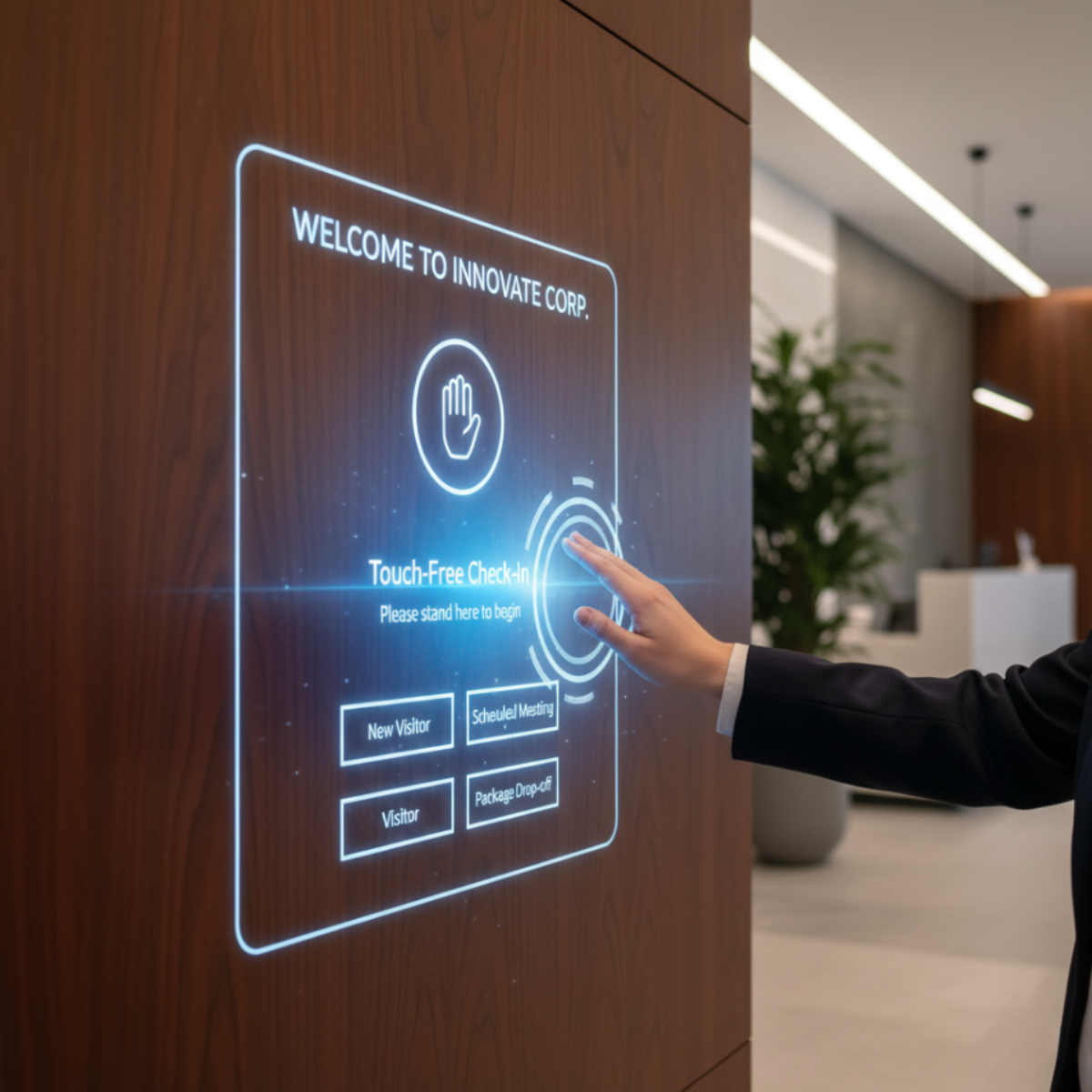
- Lobby Check-in: Touch-free check-in projected on a wood panel.
- Museum/Retail: Interactive timelines or product catalogs on walls or existing displays, supporting multiple concurrent users.

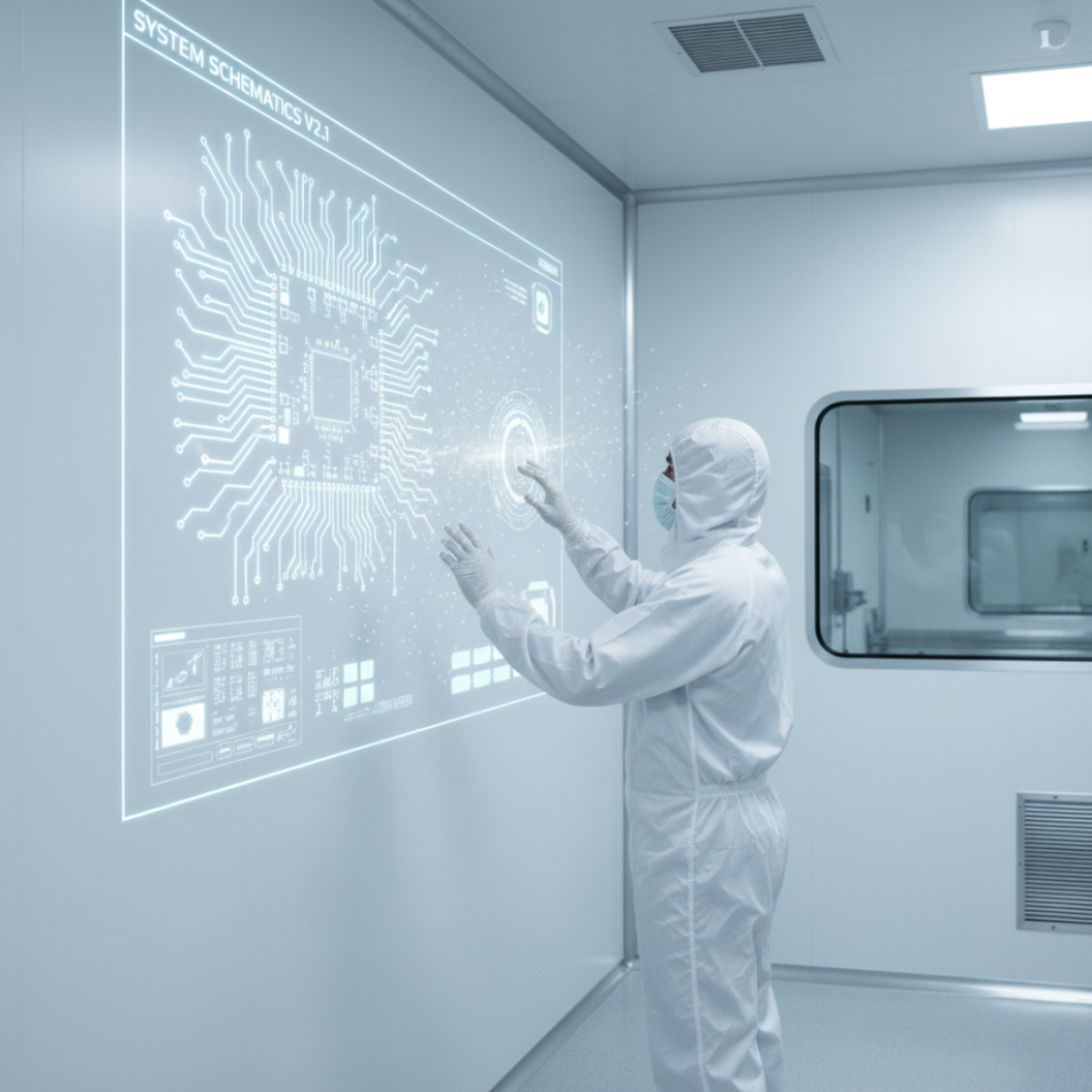
- Industrial/Clean Rooms: Glove-friendly controls on stainless steel surfaces or projected dashboards that allow interaction without touching critical areas.
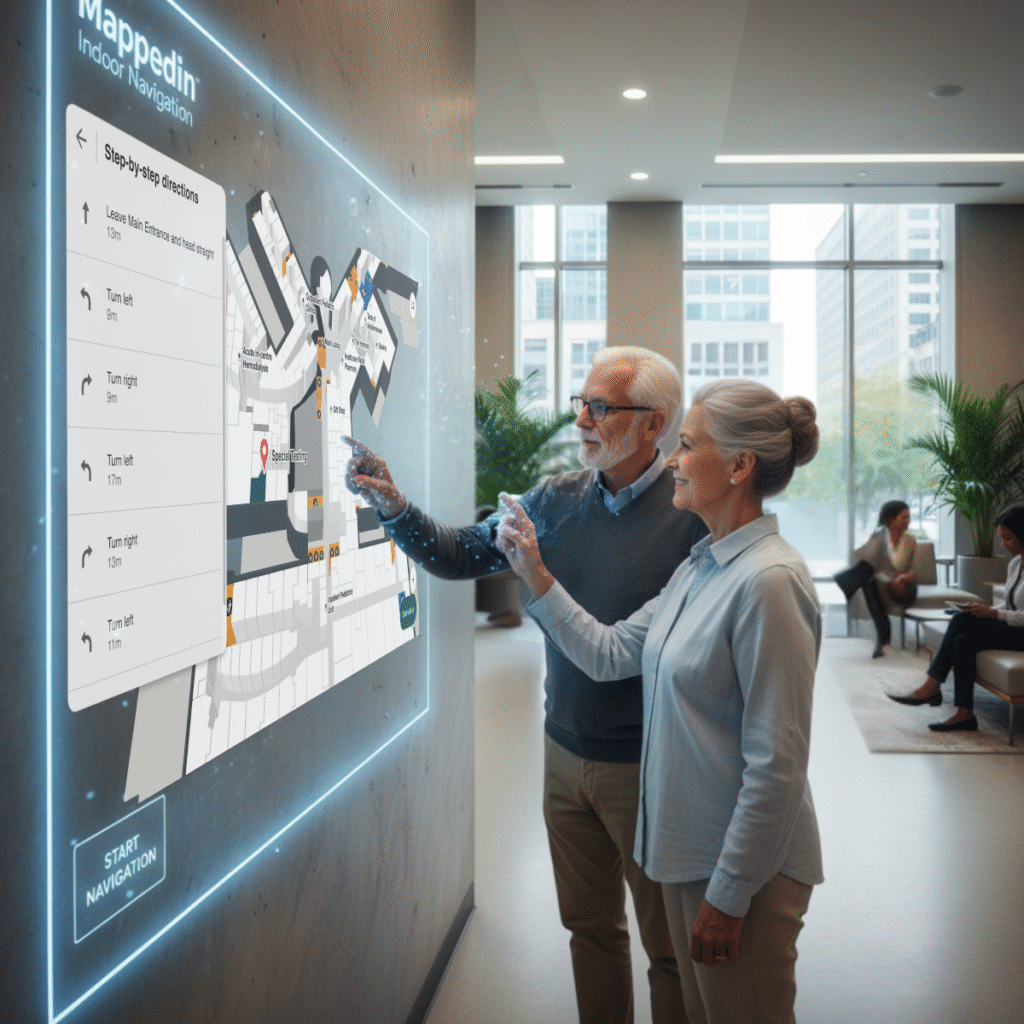
- Healthcare: Wall-based wayfinding or informational displays that minimize cross-contamination risk.
SurfaceWare provides the core technology—baseline estimation, SSV (signal filtering), gesture logic, and coordinate mapping—so you can focus on building your differentiated web application.
Want early access?
We’re opening up SurfaceWare™ for the channel. If you want docs, notes, and invites to technical previews, sign up here.
We’ll keep it tight and useful—no spam, just the good stuff.
About the Author
Dmitrii Paniukov, PhD. is Head of Technology at HoverVerse AI, a technology, products, and services company bringing physical AI to the channel, enabling the next wave of growth.
0 Comments